How AI Chatbots for Educational Webinars Work as Live Co-Hosts
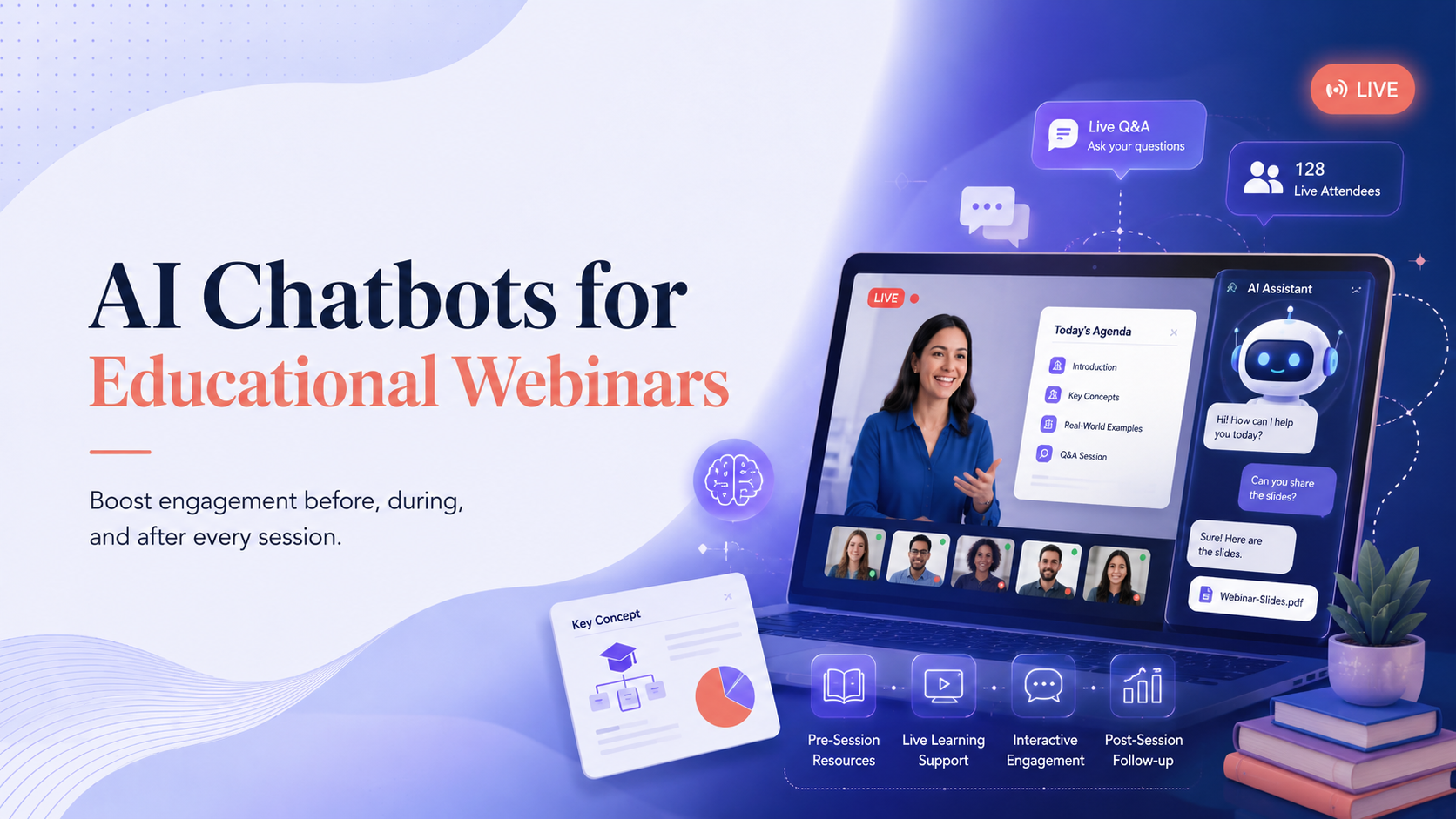
AI Chatbots for Educational Webinars function as real-time assistants embedded directly into the webinar platform. They monitor the chat feed, detect questions as they appear, and deliver answers without requiring the presenter to pause the session. This turns a one-way broadcast into an interactive educational webinar where attendees receive immediate responses instead of waiting for a Q&A segment at the end. The most effective setup treats the chatbot as a support layer, not a replacement for the human host. Attendees still see the presenter on screen, but the chatbot handles the repetitive questions that would otherwise interrupt the flow of teaching. This division of labour keeps the session moving while ensuring no query goes unnoticed.
Real-Time Attendee Answers During the Session
The primary value of AI Chatbots for Educational Webinars lies in their ability to provide real-time attendee answers. When a participant asks about a term, a date, or a concept mentioned earlier in the presentation, the chatbot retrieves the relevant information instantly. This reduces the cognitive load on attendees who might otherwise feel lost or disengaged. A practical example involves a webinar on digital marketing where the presenter mentions a specific metric. Attendees can ask the chatbot to explain that metric without interrupting the speaker. The chatbot draws from the knowledge base built before the session, which includes the presentation slides, supporting documents, and frequently asked questions.
What Happens When the Chatbot Cannot Answer
Every AI Chatbots for Educational Webinars deployment needs a clear escalation path. When the chatbot encounters a question outside its knowledge base, it should flag the query for the human moderator rather than guessing. This prevents the spread of incorrect information and maintains trust with the audience. The moderator can then either type the answer directly or ask the presenter to address it verbally.
Chat Moderation and Comment Highlighting
AI Chatbots for Educational Webinars also moderate live chat and highlight comments that deserve attention. During a session with hundreds of participants, the chat feed moves quickly. Important questions get buried, and off-topic messages can distract from the learning objectives. The chatbot filters incoming messages, identifies questions that match the session's topic, and surfaces them to the moderator. It can also detect spam or inappropriate content and remove it automatically. This keeps the chat readable and ensures the presenter sees the most valuable contributions without scanning through hundreds of messages.
Balancing Automation with Human Oversight
Chat moderation works best when the chatbot handles the obvious cases and a human reviews the borderline ones. A participant asking about the next session date is a straightforward query for the bot. A participant asking a nuanced question about how a concept applies to their specific industry may need a human response. The chatbot should route these complex questions to the moderator rather than attempting a generic answer.
Feedback Collection and Knowledge Gap Identification
AI Chatbots for Educational Webinars collect feedback and reveal knowledge gaps that would otherwise remain hidden. At the end of the session, the chatbot can ask attendees targeted questions about their understanding of the material. The responses provide organisers with data on which topics were clear and which need further explanation. The chatbot also tracks the questions attendees ask throughout the session. A cluster of similar questions on one topic signals that the presentation did not explain that concept clearly enough. This information feeds directly into improving future webinars and developing supplementary materials.
Turning Questions into Learning Data
The questions logged during a webinar become a valuable dataset. Organisers can review the transcript to identify patterns in what attendees struggled with, what they found most interesting, and what they wanted to know more about. This data informs content strategy for future sessions and helps educators refine their teaching approach.
Post Webinar Summaries and Resource Delivery
AI Chatbots for Educational Webinars deliver post-webinar summaries and resources to attendees automatically. After the session ends, the chatbot can send a recap that includes key takeaways, links to the recording, and supplementary reading materials. This extends the learning experience beyond the live event and reinforces the content while it is still fresh. The chatbot can also answer follow-up questions in the days after the webinar. Attendees who could not attend live or who want to revisit a specific point can interact with the chatbot to get the information they need. This creates a persistent support channel that does not require the organiser to respond to every email individually.
Platform Testing Before Going Live
AI Chatbots for Educational Webinars require platform testing before going live to ensure the integration works smoothly. Each webinar platform handles chatbot integrations differently, and what works on one system may fail on another. Testing should cover the chatbot's ability to read the chat feed, post responses, and trigger the escalation workflow. A structured testing process reduces the risk of technical failures during a live session. The following steps outline a practical approach:
- Set up a test webinar using the same platform and settings planned for the live event.
- Invite a small group of testers to ask a range of questions, including simple factual queries, complex multi-part questions, and off-topic messages.
- Verify that the chatbot responds correctly to the factual queries and escalates the complex ones to the moderator queue.
- Check that the chatbot's responses appear in the chat feed without noticeable delay and that the formatting displays correctly.
- Run through the feedback collection and post-webinar summary flows to confirm attendees receive the expected follow-up messages.
- Review the session logs to confirm the chatbot captured all questions and that the escalation path worked as designed.
Knowledge Boundaries to Avoid Hallucination
AI Chatbots for Educational Webinars need clear knowledge boundaries to avoid hallucination. A chatbot that invents answers damages credibility and can mislead attendees. The knowledge base should contain only verified information relevant to the webinar topic, and the chatbot should be configured to decline questions outside that scope. The risk of hallucination increases when the chatbot is asked about topics that resemble the webinar content but fall outside its training data. For example, a webinar on AI chatbots for education might receive questions about specific platform pricing or features that the organiser has not verified. The chatbot should respond that it does not have that information rather than generating a plausible-sounding but incorrect answer.
Building a Governed Knowledge Base
A governed knowledge base starts with the webinar materials themselves. The presentation slides, speaker notes, and any pre-approved documents form the core. Organisers can add frequently asked questions from previous sessions and links to public resources. Every entry should be reviewed by a human before the webinar goes live to ensure accuracy. The chatbot's responses should also include a confidence threshold. When the chatbot cannot match a question to a knowledge base entry with sufficient certainty, it should default to the escalation path. This conservative approach prioritises accuracy over completeness and protects the organiser's reputation.
Choosing the Right Integration Approach
The decision to build a custom chatbot or use an existing platform depends on the webinar's scale and complexity. A single educational webinar with a few hundred attendees may only need a simple chatbot configured on the webinar platform itself. A recurring webinar series with thousands of participants across multiple sessions may justify a more sophisticated system integrated with a customer relationship management platform. Organisations in Malaysia looking to implement AI Chatbots for Educational Webinars can work with technology consultancies that specialise in AI agent development. Blackstone Intelligence, based in Kuching, Sarawak, offers
AI chatbot development and workflow automation services. The company has delivered AI-supported course development for University Technology Sarawak and a student-support AI agent for the Students Development Services Centre at the same institution. These projects demonstrate the practical application of governed AI systems in educational settings. The implementation approach should always start with a clear definition of the webinar's objectives. A chatbot designed to answer factual questions about course logistics differs from one that provides tutoring support. Mapping the attendee journey before selecting the technology prevents overbuilding and keeps the system focused on the outcomes that matter.